Troubleshooting
What should I do if the sensor loses signal or isn't displaying a graph?
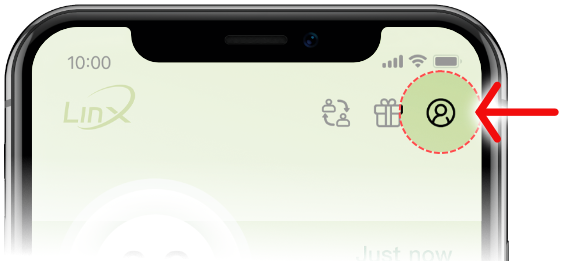
- Select your Personal Profile on the Linx App home page (top right corner)
- Select Account Security
- Select Log out and Confirm
- Switch Bluetooth off
- Restart your phone
- Switch Bluetooth back on
- Log in again (do not register a new account)
- If the issue persists, contact the LinX WhatsApp helpline: 079 832 6825
Can I delete incorrect information entered on the Events dashboard?
If you accidentally recorded incorrect information under the Events tab, such as the incorrect dose, incorrect meal data or incorrect time, you can delete this data under the History tab.
- Select the History tab on the home screen
- Select the date at the top and scroll down to view all the recorded events
- To delete an event, swipe to the left and select the Trash icon